Developer Tools

Eraser
AI for diagrams that matter
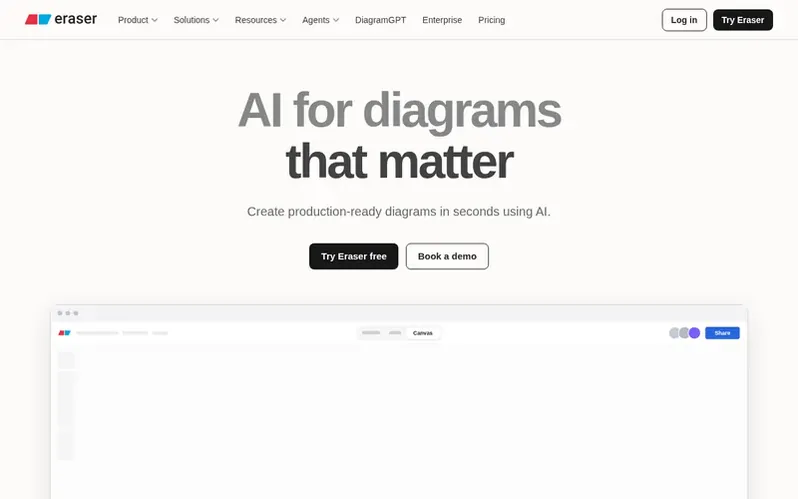
Create production-ready technical diagrams in seconds using AI. Generate diagrams from text, code, or files and refine them with a visual editor or AI chat.
What it is
Eraser is an AI-powered tool for creating technical diagrams and documentation designed for engineering teams. It generates pixel-perfect diagrams from natural language prompts, code, infrastructure-as-code (IaC), and uploaded files in seconds. The platform combines AI generation with a full visual editor, allowing users to refine results manually or continue iterating through AI chat.
The product saves significant time on diagramming work, with users reporting up to 90% time savings. Eraser ensures consistency across diagrams through customizable templates, naming rules, notation standards, and domain-specific patterns. It integrates with popular development tools including Terraform, GitHub, VS Code, Confluence, and Notion.
For infrastructure teams, Eraser includes features like codebase monitoring that automatically updates diagrams when infrastructure code changes, CI/CD integration for pull request reviews, and audit-ready documentation generation. The platform supports enterprise security requirements with SOC 2 Type 2 certification, SAML SSO, flexible deployment options, and never uses user data for model training.
Eraser also provides open-source tools and an MCP server that allows AI agents like Claude and ChatGPT to create and modify diagrams programmatically. The platform is trusted by over 5,000 customers globally.
First things you notice
- AI diagram generation from text, code, and files
- Visual editor and AI chat refinement
- Automatic infrastructure diagram updates from code changes
- CI/CD integration with pull request comments
- Custom templates, styles, and naming rules
- MCP server for AI agents
- Real-time collaboration and commenting
- GitHub, Notion, Confluence, and VS Code integrations
- Diagram export to PDF, PNG, SVG, and Markdown
- SAML SSO and flexible deployment options
Pricing
Pricing model: Freemium
In brief
- How can I trial Eraser?
- You can sign up for free to get started. Free plan teams get a limited number of files and AI credits, with some features not available on the Free plan. Enterprise customers can contact hello@eraser.io or schedule a call to trial Eraser for their team.
- Can I trust my data with Eraser?
- Eraser is SOC II Type 2 certified and annually penetration tested. Eraser never uses user data for training models, and neither does OpenAI. Enterprise security documentation is available by contacting hello@eraser.io.
- Does Eraser AI provide an API?
- Yes, Eraser AI provides an API for generating AI diagrams that is available to paid users. You can use the API to create custom integrations, build internal products, or customer-facing products.
- Does Eraser provide an MCP server?
- Yes, the Eraser MCP server lets an agent create, search, read, update and export diagrams from clients like Claude, Cursor, VS Code and ChatGPT. It is free to use, subject to the AI credit limits of your plan.
- Can I get Eraser AI to understand my company's context?
- Yes, you can connect your git repository with Eraser so it can generate diagrams from your live codebase. You can also upload your company's template library to the AI reference library.
Eraser has a free listing. The owner can unlock the full profile with a paid launch for $5:
- Founder story (locked)
- Milestones (locked)
- Demo video (locked)
- Dofollow website link (locked)
 Bruno
Bruno HTTPie®
 Warp
Warp